
What you actually want from a classroom math game
A classroom game has a harder job than a game at home. It has to hold the attention of thirty kids who are all at different levels. It has to run on whatever hardware your school has. And it has to show you who is learning, without turning into a half-hour setup project.
Before you pick a game, check three things:
- It runs in a browser. Then you don't have to install anything on thirty machines.
- Each student plays at their own level. That way nobody is bored and nobody is lost.
- It shows you progress. You can see what's happening instead of guessing.
Setup that takes minutes, not a planning period
Ideally, you share a link, students start playing, and you look at the results. Math Max works in a web browser, so whatever devices your class uses (laptops, tablets, older computers) run it the same way, without help from IT.
Students can start anonymously for a quick warm-up. Have them sign in once you want their progress saved. After the first session, logging in takes seconds, so you spend the lesson walking around the room instead of fixing accounts.
A simple first lesson:
- Before class, open the game yourself so you know what students will see.
- Share the link (on the board, in your class page, or as a bookmark).
- Give everyone five minutes of free play to get used to it.
- Ask students to sign in at the end, so next time they pick up where they left off.
Using it without losing the room
Three formats that work well:
- Warm-up drill. Five minutes at the start of the lesson gets brains switched on before new material.
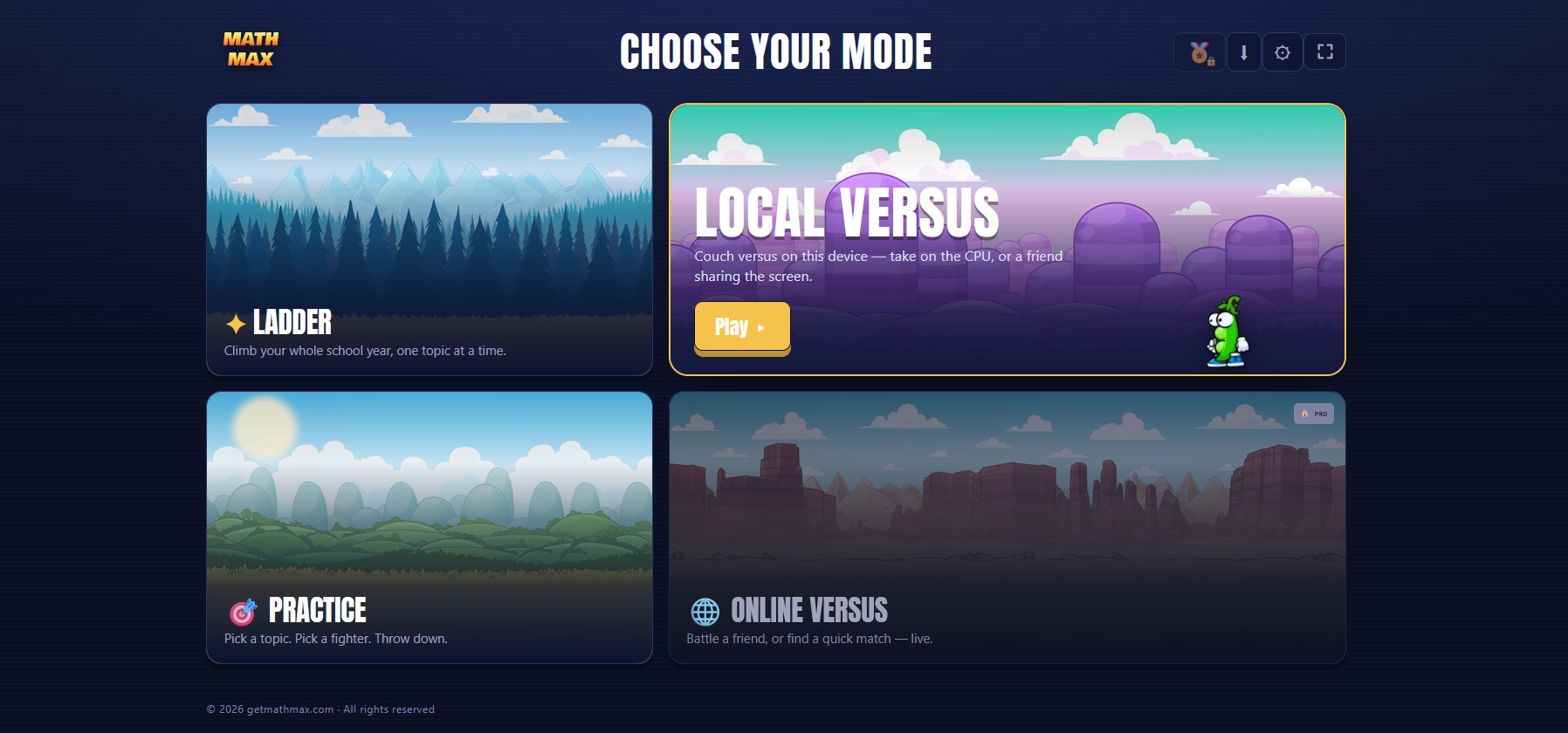
- Head-to-head round. Pair students up as a reward at the end of the lesson. A bit of friendly competition does the motivating for you.
- Station rotation. The game is one station, next to a worksheet table and a small group with you. Students rotate every 10 to 15 minutes.
Because each student plays at their own level, your strongest students and the ones who struggle can do the same activity at the same time, and both get a real challenge. Nobody sits waiting while others catch up.
Example: in a mixed class, one student practises addition within 20 while the student next to them works on multiplying fractions. Both play the same game, in the same five minutes, at their own level.
Seeing who's actually learning
Once students are signed in, you can see what each of them has worked through and where they get stuck. That tells you who is ready to move on and who needs you next to them tomorrow, without marking a pile of papers.
Check it once a week to plan small groups, or right after a warm-up to decide who you start the lesson with.
If you want to set this up for a class or a whole school, Math Max for schools explains how it works and what it costs.
Train these next